Hotel Lobby AI tutorial
How to Make a Hotel Lobby AI Video from Two Photos
This guide walks through every step of making a Hotel Lobby AI video: preparing portraits, choosing settings, paying with credits and downloading the finished rap duet.
What you get
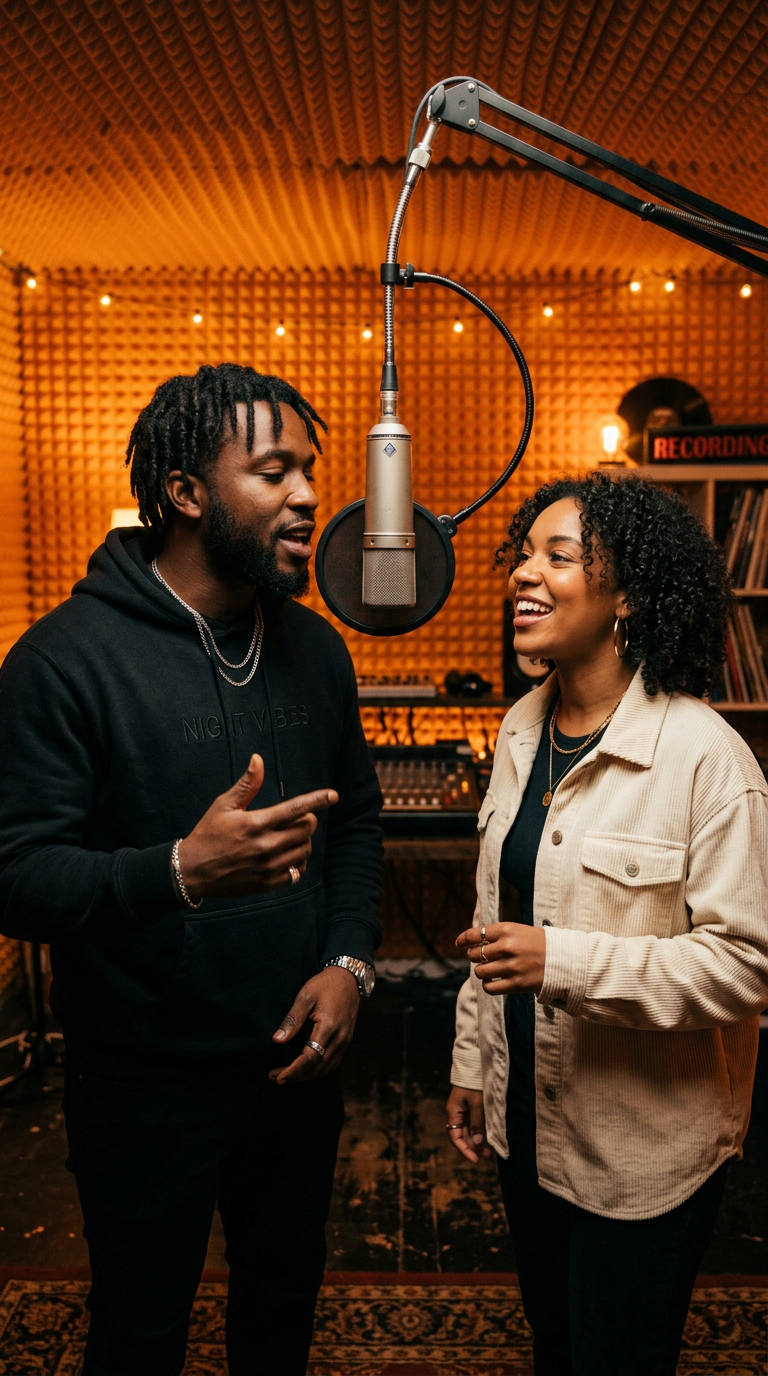
A Hotel Lobby AI video is a 10-second, 9:16 vertical clip. Two people from your photos stand in an orange recording studio and rap together into one hanging microphone, with newly generated English vocals and a beat. The image here is an illustration, not a real output.
Step 1: Prepare two photos
Pick one photo per person. Both people must be adults, and you need their permission to use the photos.
- One person per photo, facing the camera, face and shoulders visible.
- Soft, even light. Avoid strong filters, sunglasses and masks.
- JPG, PNG or WebP. Photos taken at different times or places are fine.
Step 2: Upload and arrange performers
Open the Hotel Lobby AI generator and add a photo to Left performer and Right performer. Use Replace to change a photo, the trash icon to remove it, and the swap button to switch sides.
Step 3: Choose theme, quality and check the quote
Choose Friends night out, Birthday wishes or Couple anniversary. You can add one short line of inspiration — the lyrics follow the idea, but exact wording is not guaranteed.
Then choose quality. A 10-second video costs 40 credits at 480P and 90 credits at 720P (provisional). The quote updates before you spend anything.
Step 4: Sign in, add credits and confirm
Press Generate video. You will be asked to sign in, and if your balance is too low you can open Hotel Lobby AI pricing to buy credits. Your photos and settings are kept while you pay, and nothing generates until you confirm the quote.
Step 5: Track, play and download
After confirming, the task appears in My Videos with its real stage: queued, generating or finalizing. There is no fake progress percentage. When it succeeds, play it with sound off by default, unmute when you like, and download the MP4. Download links can expire, so save your file.
About the audio
Every Hotel Lobby AI clip uses newly generated English rap vocals and music. We do not use the original Hotel Lobby song and do not clone anyone's real voice.
What to expect
AI results vary. Likeness, body motion and lip sync may not match perfectly, and two attempts can look different. Generation time also varies with demand. If a Hotel Lobby AI task clearly fails, its credits are returned.
Hotel Lobby AI troubleshooting FAQ
My task failed. What now?
Check the failure reason in My Videos. Credits for a clearly failed task are returned. Fix the photo issue and generate again only when you are ready — we never retry automatically.
The status says "Checking status". Did it fail?
No. It means we could not confirm the latest status yet. That is not a generation failure; wait or contact support with your task ID.
The face does not look like my friend.
Try a sharper, front-facing photo with even light. Likeness can still vary between attempts.
My download link expired.
Contact support with your task ID. Expired links cannot be restored from the browser.
Ready to try it?